FV‑5 Lite Night Mode Camera App Overview
Hello friends, how are you all? Okay, brothers, this time I am going to describe another great night mode camera application other than G-Cam or Google Camera.
FV‑5 Lite Night Mode Camera App vs. Google Camera (GCam)
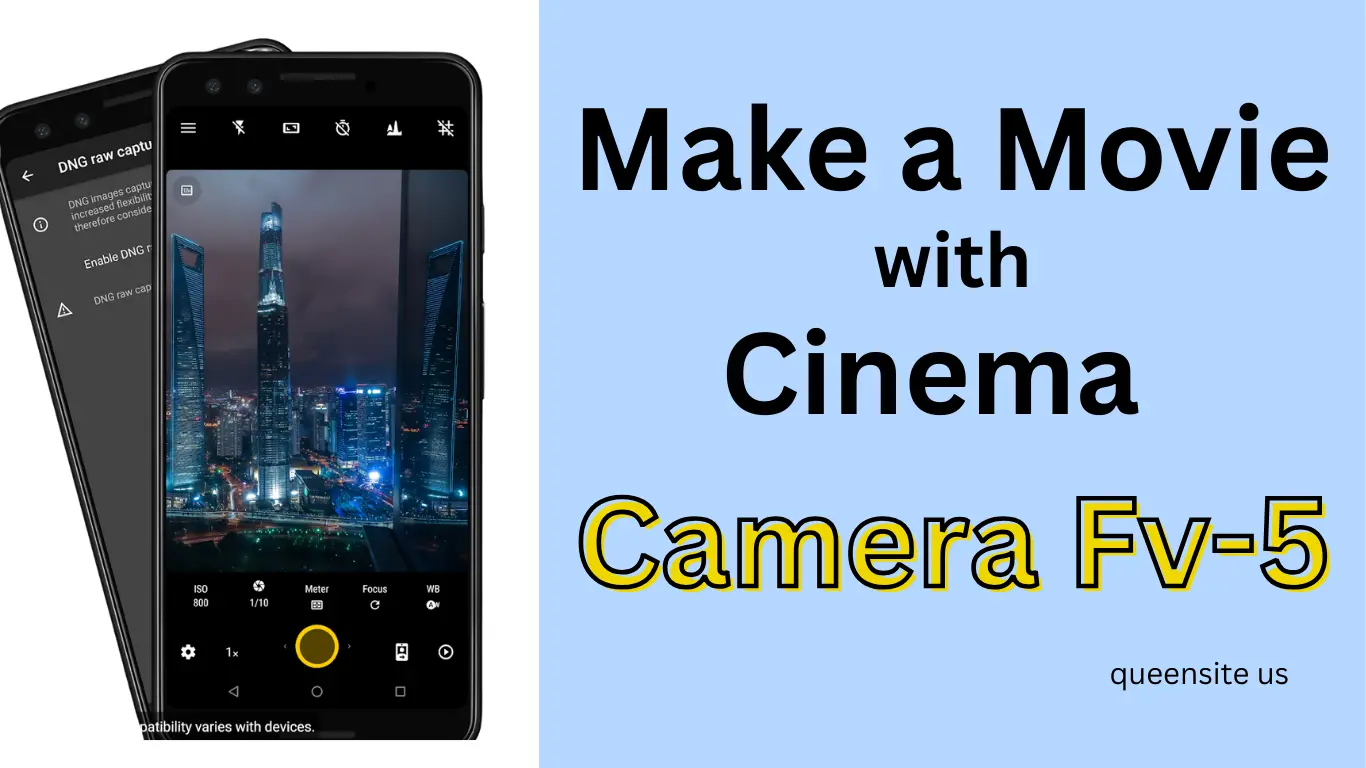
This application is available on the Google Play Store, so it is very safe to use it. This is the initial appearance of that camera application. I have not made any changes to it except for settings like ISO and shutter speed.
First, don’t forget to subscribe to receive our subsequent updates. Well, this application is very complete. In this, you can change the amount of light according to your preference. Similarly, you can increase or decrease the amount of blue color with the ‘White Balance’ setting.
The name of this application is FV-5 Lite. You can download it by searching for “Camera FV-5 Lite” in the Play Store. Its ‘Pro’ version is paid, but this ‘Lite’ version is free, and its night photos are very good.
How to Use FV‑5 Lite Night Mode Camera App (Step‑by‑Step)
First, I take a photo in low light with a normal camera. Now look, this photo is very low-light and not clear.
Now, I take a photo of the same object using flash or additional lighting. Now the object is clear.
But the result is still not bright enough. That is, even with the flash, the areas around the subject are still dark.
Okay, now let’s try using the FV-5 Lite application. After installing this application, I didn’t make any other changes. I’m only going to change two important buttons in it: Speed Shutter and ISO.
Tips for Clear Shots with FV‑5 Lite Night Mode Camera App
First, I set the shutter speed to 3 seconds and the ISO to 1600. Now let’s take a photo. Look! The photo is very bright and clear. You can see that the colors are perfect and the ‘noise’ is very low. This is not Google Camera; it’s just a normal application available in the Play Store.
See for yourself the difference between a normal camera and this. Even with the flash, a normal camera doesn’t get this much clarity. Now I’m going to increase the ISO to 2000. Now the light is even brighter and the photo is very clear.
Also Read: Mappls vs Google Maps: 5 Amazing Features You’ll Only Find in Mappls
Next, I will change the shutter speed to 4 seconds. If Google Camera is not working properly on your phone, this application will be a great alternative for you. It is important to keep your hands still while taking a photo; only then will the image come out clearly without blurring.
Why FV‑5 Lite Night Mode Camera App is the Best Free Alternative to GCam
This application illuminates the entire area even in dark places. If your phone has the Camera2 API facility, this application will work even better. If you need more light, you can increase the shutter speed or ISO level.
This great application is available for free on the Play Store. You can also download it and try it out.