It will display a welcome message stating, “Welcome to the Maternal and Child Health App.” So, within this interface, please click on the “Continue” option. As soon as you click “Continue,” you will be prompted to select your preferred language. If you prefer English, you can click on English; if you prefer Tamil, you can click on Tamil. If you select Tamil, you will be able to easily view all the details within the app in Tamil.
Picme Parental App Registration & Login Guide
This makes it much easier to read and understand the content. Therefore, those who desire Tamil should select Tamil; conversely, if English is suitable for you, please select English. In this instance, I will select Tamil.
Once you have made your selection, the app will ask you to enter your phone number. Regarding how to enter this number and complete the registration process: typically, as soon as you confirm your pregnancy, you would have registered it at the nearest Primary Health Centre (PHC) in your locality. Alternatively, some individuals may have applied for an RCH ID or completed a self-registration for their pregnancy independently.
Once this entire application and registration process has been successfully completed—at that specific juncture—you would have provided a designated mobile number. You would have submitted this number as your “Registered Mobile Number.” You must enter *that specific* mobile number into the field provided here. Once you have finished typing, notice the option labeled “Send Password”? You need to send that OTP. After entering the mobile number—specifically, the registered phone number you provided when applying for the RCH ID—click on “Send Password.” A six-digit OTP will then be sent to that mobile number via SMS. You must then enter that OTP to verify your identity.
A box will appear prompting you to enter the OTP. The system will have sent the OTP to your registered mobile number; therefore, you must carefully enter the correct OTP into the designated field. Once you have entered it, locate the option labeled “Verify OTP” and click on it. So, first, ensure that you have entered the OTP correctly.
Now that the OTP has been entered, do you see the option labeled “Verify Password”? Please click on that. As soon as you click it, you will see a welcome message stating: “Hello! We warmly welcome you to the Pigmi Parents App.” Since you selected Tamil as your language preference, all the details displayed within the app will appear in Tamil.
On the main screen, you will find key information such as your current location, the Primary Health Centre (PHC) you are visiting, and your district. Additionally, the details of the pregnant woman—including her name, age, RCH ID number, and date of birth (day, month, and year)—will be provided. This is the information that appears on the app’s home screen.
Furthermore, for some users, the baby may have already been born. In such cases—referencing the birth certificate—the baby’s specific details will also be listed here. Moreover, for the majority of users who applied through a Primary Health Centre, the nurses stationed there would have typically assisted in applying for all relevant government schemes on their behalf.
Therefore, if you have already applied for these schemes, you will see an option labeled “Check Now.” However, if you have not yet registered, you have the option to register yourself directly within the app; that feature is also available here. Since this user has already completed the registration process, they have been presented with the “Check Now” option. So, if you have already applied for the “Dr. Muthulakshmi Reddy Maternity Assistance Scheme,” you can check the current status of your application. That is precisely why the “Check Now” option has been provided here.
Delivery Features in Picme App
If I click on “Check Now,” the applicant’s personal details will be displayed. All the information they registered will be shown—specifically, details such as when they registered their pregnancy, the date of their last menstrual period, their estimated date of delivery, the number of pregnancies they have had, their height, and their weight. You can verify all of this information here; these details are listed under the “Registration Information” section.
Checking Scheme Benefits in Picme App
Furthermore, regarding the application submitted under the Dr. Muthulakshmi Reddy Scheme—you can also check exactly what benefits the government has disbursed under this program. For those who register under this scheme, two specific kits are provided. Okay, guys? So, you can verify whether or not you have received those kits. For instance, in this case, the application was submitted on May 9th. On May 10th, the verification process was marked as “Approved.” On July 21st, the status regarding the first financial assistance installment was marked as “Completed.” This refers to the monetary aid provided to you—specifically, the funds that are disbursed in installments.
So, as you can see, the first installment has already been completed. The status—whether it is “Completed” or “Pending”—will be displayed right here. Subsequently, the first nutritional kit was distributed on July 23rd, and the second nutritional kit was distributed on August 9th. All of these details are currently being displayed within the app. Furthermore, once the baby reaches the age of one and a half years, the next financial installment—amounting to approximately ₹4,000—will be credited to the bank account. The status of this transaction will also be updated and reflected here.
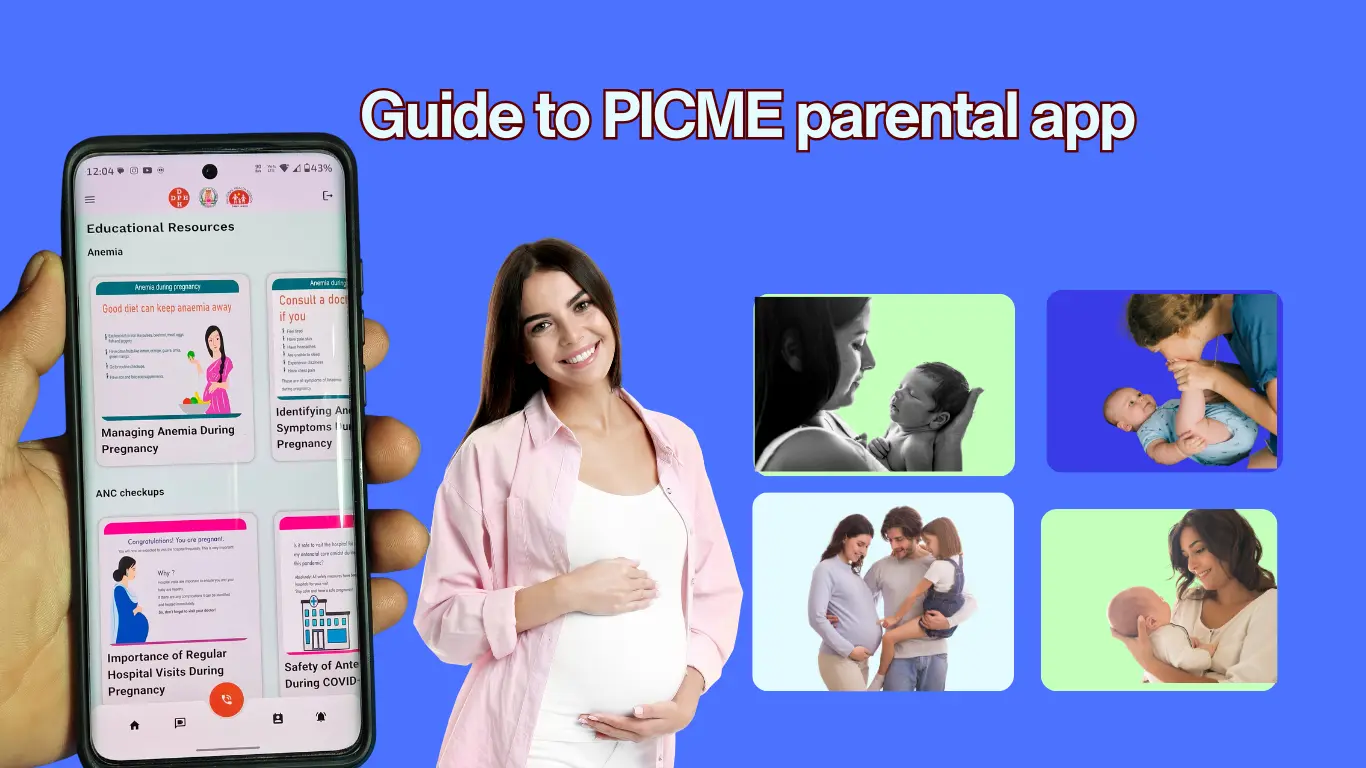
Thus, if you have applied for the Dr. Muthulakshmi Scheme, you can utilize this platform to conveniently check the current status of your application. This app proves to be extremely useful for that specific purpose; so, please make a note of this feature. Moving on, let’s look at the other options and features available within this app. It provides a range of useful guidelines and tips. Specifically, it covers methods to prevent anemia during pregnancy, details regarding the various prenatal check-ups and examinations available, and comprehensive instructions on how to prepare for childbirth and delivery—all of which are presented in great detail.
If you select “Tamil” as your preferred language, all the information will be displayed entirely in Tamil, making it much easier and more convenient for you to read and understand. So, please utilize this language option accordingly. Furthermore, this app provides detailed information covering everything from warning signs and necessary vaccinations to nutritional guidance, postpartum care, self-care practices, and exercises.
So, go ahead and install this app. Once installed, simply log in using your registered number, and you will be able to easily access and review all the details. If you look at the top-left corner of the interface, you will see a three-dot icon. Within this menu, you can see that the “Pregnancy Registration” is already complete—indicated by a checkmark. Similarly, the “MRMBS Application Form” is also marked with a checkmark, as it has already been submitted. As I mentioned earlier, this section also includes an option to check the current status of your MRMBS application.
The app contains information regarding the expectant mother, details about the child, and educational tips—essentially, you can access even more detailed information here than what was displayed on the main dashboard. Let’s see what appears when I click on “Expectant Mother’s Information.” Upon clicking it, the first details to appear are her name and date of birth. Following that, you will find the registration details.
You can easily check all the details regarding the tests conducted on the mother during her pregnancy using this app. All these options are available within the application. Specifically, if you visited a Primary Health Centre (PHC) for a check-up, the app provides a detailed record of that visit: what procedures were performed, your gestational week at that time, your body weight, and your blood pressure reading. All these details are displayed comprehensively within the app, allowing you to review them at any time.
Also read: Atal Pension Yojana 2026 – Eligibility, Benefits & How to Apply
Every time you consult a doctor, specific tests are conducted. The results—including your weight, blood pressure, and the number of weeks into your pregnancy—are duly recorded. You can access and verify all this information through the ‘Picme’ Parental App, as all these features and options have been incorporated into the application.
Tracking Pregnancy Records with Picme Parental App
Furthermore, you can also review details regarding the post-delivery period—specifically, what events transpired after childbirth. The app lists details such as the medications prescribed to you during that time. Consequently, this application serves as a convenient tool for accessing and verifying all your personal health records. Additionally, the app provides information regarding the child, including their date of birth and gender (Male or Female).
Alright, guys! Following that, you will find a section containing learning tips. Through these resources, you can acquire a wealth of knowledge. Specifically, there is a section titled ‘The Journey of the First Thousand Days.’ By reading this, you will gain a clear understanding of exactly what steps need to be taken during those initial thousand days, enabling you to follow the guidelines with ease.
Next, you will find a guide for yoga exercises. It outlines various yoga poses and routines that you can perform. This feature, too, proves to be quite useful. Regarding this app, you can continue using it throughout your pregnancy to easily track and stay informed about your entire “1000-day journey.” Similarly, even after delivery, the yoga exercise guide remains available; it serves as a helpful resource for practicing specific yoga routines during the postpartum period. The app offers a wide array of such features and options.
Emergency Contacts via Picme App
Furthermore, the app provides a section for educational videos. Through this feature, you can access video recordings of doctors discussing various health topics, allowing you to stay informed and updated. Additionally—as mentioned earlier—the app includes resources such as informational posters and materials written in Tamil, which you can read to gain further knowledge.
Within this app, there is a dedicated section for “Emergency Contacts.” Here, the phone number of the specific nurse assigned to your care is listed. Similarly, your husband’s name is also provided, ensuring that the necessary contact details are readily available in case of any emergency.
These are the various features and options provided within the “Picme Parental App.” To get started, simply install the app, log in using your mobile number, and verify your personal details. Similarly, you will find that this app clearly provides all the information necessary for pregnancy. The content is presented in the form of posters, and they have also included videos recorded by doctors. So, please take a look at all of these resources.
If you find this app useful—and to what extent it has helped you—please let us know by leaving a comment below. If you have any other doubts related to this topic, feel free to post those in the comments section as well.