Introduction
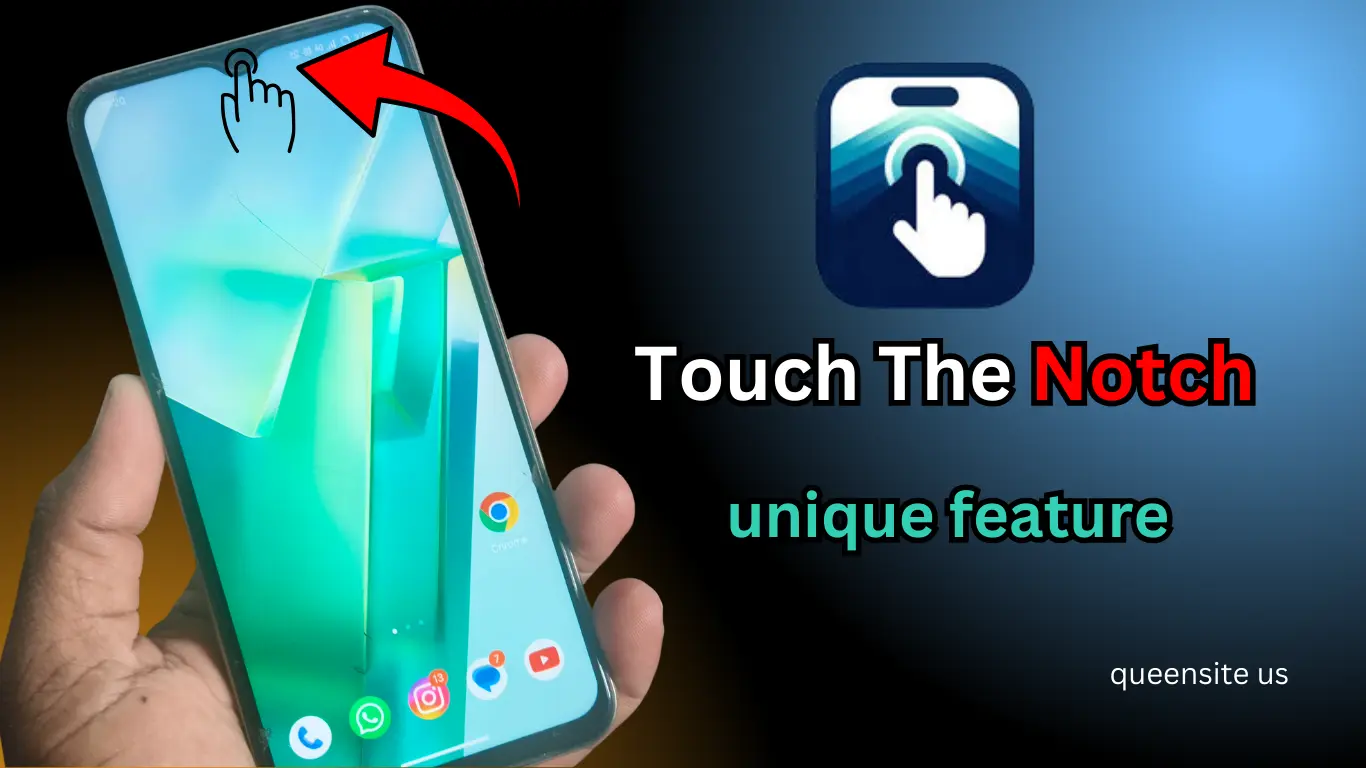
Is it possible to open a flashlight, camera, or apps by touching the front camera hole of your Android phone?
This unique feature can be found in the Action Notch app.
With the help of this app, you can make your mobile phone faster and smarter.
What’s the Action Notch app?
Action Notch is one of the best Android apps.
By this:
- The notch / punch hole part can be used as a touch gesture.
- Single tap / double tap / long press can be assigned.
- Quick actions can be taken.
Note: This app does not require a camera. (using over-the-top technology)
How to Install the Action Notch.
- Open up the Play Store.
- Search for Action Notes in the search bar below.
- First of all, click on the Install button.
- Open the app and give the necessary permissions.
How to Use the Action Notes
When the app is opened:
- Give the necessary permissions.
- Go to the Home screen.
Now you can make the following gestures:
Gesture Options
- Single Tap
- Double-tap
- The long-press
Example Settings
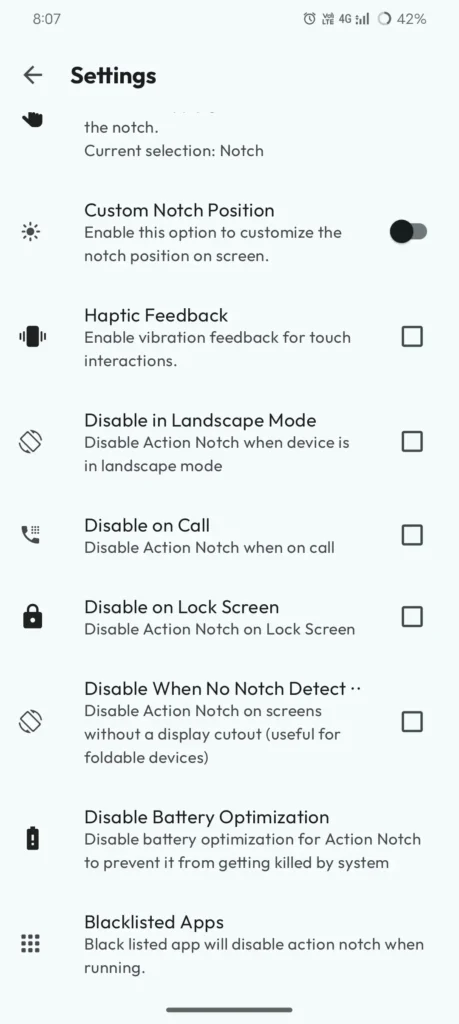
You can set it up like this:
- Single Tap Torch On/Off
- Double-tap to open the camera
- Long Press Power Menu
These settings can be customized for your use.
Advanced features
Find My Notch.
This is the option:
- It will automatically detect the position of your phone’s notch.
- Helps to work in the right place.
Manual Calibration
You can set it up manually:
- Adjust the size of the notch
- Position change
- Vertical/custom placement
Status Bar Control
- The full top area can also be converted to touch control.
- Tap “detect” only (no swipe)
Battery Optimization Settings.
Important:
- Optimizing the battery.
- Otherwise, the app will stop in the background.
check as well:
- Autostart should be on.
Also Read :
- Pokémon go India Launch: How to Play, Catch & Evolve Pokémon
- Easy Way to Apply for Marriage Certificate Online
- Gesture App Trick – How to Open Apps by Drawing Letters on the Screen?
Free Version and Pro Version
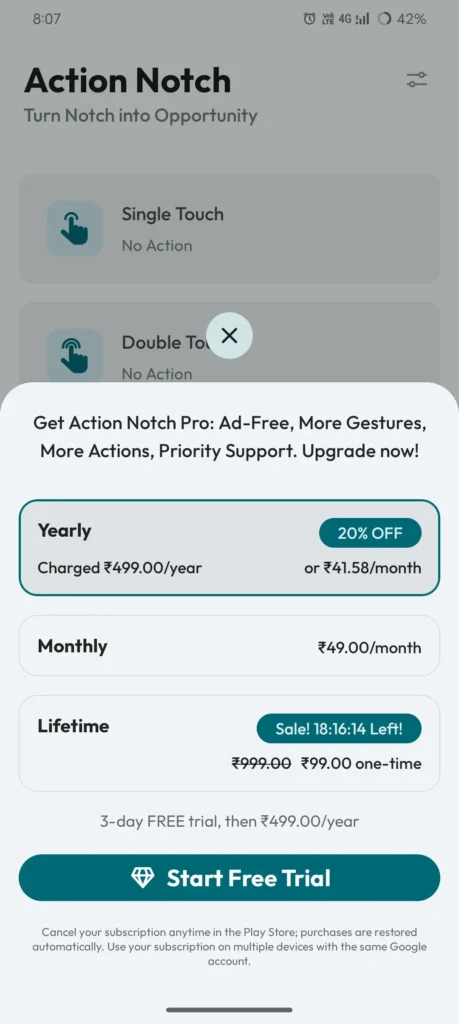
The Free Version
- Torch
- Screenshot
- the basic gestures.
The Pro Version
- The control of music
- The launch of a custom app
- The advanced features
Pros & Cons
Pros
- A very unique feature
- Fast access to the app
- No camera permission is required.
- Highly customizable
- Time-Saving
Cons
- Some features are only available in the Pro version.
- The battery is light-usage.
- Some phones may be blocked.
FAQ – Action Notch App
What is the Action Notch app?
Action Notch is an Android app that converts the notch area into a touch gesture.
Is it safe to take action?
Yes. It works with overlay technology without access to the camera.
Doesn’t work on all phones?
No, no. It works best on phones with a notch or punch hole.
Why isn’t the action not working?
- The battery can be optimized.
- Autostart can be turned off.
- Notch position may not be set correctly.
Do you use the battery?
There will be some battery usage. But very little.
Conclusion
Action Notch is a powerful app that allows you to use your Android phone smartly.
Through the app:
- The quick-action
- Gesture control
- Time-Saving
There are many such advantages.