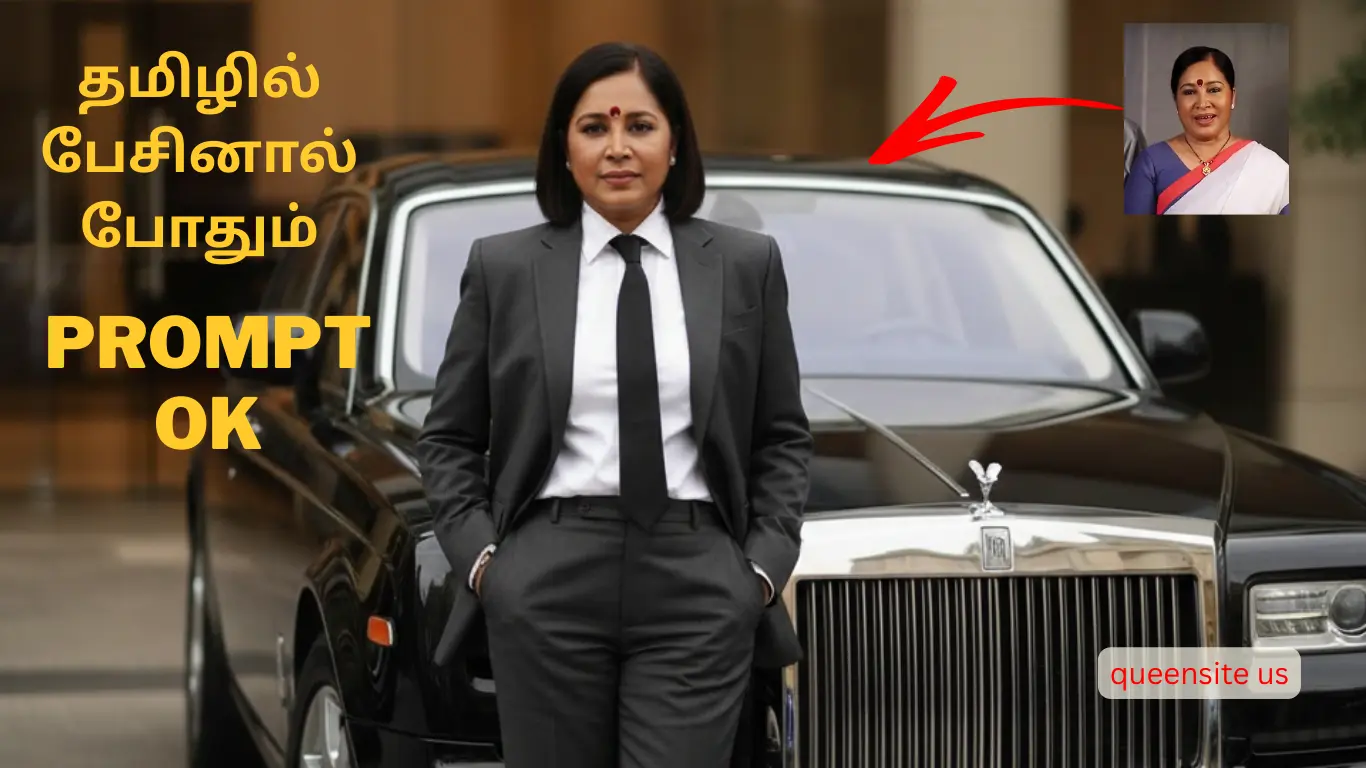
Gemini AI Tamil Guide – Transform Normal Images into Stylish Photos
Hello friends, if we wanted to transform a normal image into a very stylish one, we used to use an AI tool, copy a particular prompt from an external website, apply it to this AI tool, and then generate and change our normal image into a stylish one.
Now, let’s look at something even more advanced in this post. You don’t need to copy and paste prompts like that anymore. Simply typing in Tamil is enough; you can automatically generate the video and image exactly as you expect. We’ll discuss this in this post.
Now, with the Gemini AI tool, you can attach your useful image and simply speak in Tamil, and it will automatically generate the image you expect. This is a superb feature. We are going to see how to use this feature in today’s post.
Install Gemini AI App from Play Store
First, check if you have the Gemini AI tool. If not, open the Play Store. In the search bar, type ‘Gemini.’ Google’s Gemini AI tool will be displayed; install it.
Install and open it. You would have already logged in; since I had already logged in and then uninstalled it, it logged in immediately. If you haven’t logged in, it will ask you to ‘Sign in.’ After saying that, if you enter the Gmail account you provided, it will automatically log in. Because I had previously logged in and uninstalled it, it logged in automatically when I reinstalled it. That’s all.
Set Tamil as Your Language
Now, click on the profile icon in the top right corner. You see ‘Settings’ inside; click on that. Inside these settings, you’ll see ‘Languages,’ so click on Languages. Look, inside Languages, at the top it says English (US), and below it says ‘Add another language.’ Click on that option below. Choose Tamil from there. That’s it.
Upload Your Image from Gallery
Now, press the left arrow key at the top to exit from here. Now we are on the home screen of the Gemini AI tool. At the bottom, you’ll see a plus (+) icon; click on that plus icon. As soon as you click the plus symbol, you’ll see Camera, Gallery, and Files. So, click on Gallery and choose the image you want to transform stylishly. After choosing, click on ‘Add,’ and the image will be applied.
Speak in Tamil to Generate Stylish Photos
After it’s applied, on that screen, you’ll see a microphone symbol on the right side; click on that microphone symbol and immediately start speaking whatever you want to say. That is, don’t leave any gaps while you’re speaking. You can even write it down on a piece of paper and then speak. But if you leave a gap, and you do something that makes it seem like you’re thinking, it understands that you’re probably done speaking and closes the recording. So, write down the entire subject you want to talk about and speak continuously. Okay? Now watch what I’m going to say. Just press the microphone button, and you can start speaking immediately.
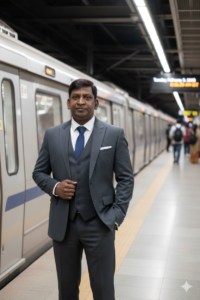
‘இந்த படத்தில் இருக்கும் நபர் கோட் சூட் போட்டுக் கொண்டு மெட்ரோ ட்ரெயின் முன்பாக ஸ்டைலாக நிற்க வேண்டும்.’
As soon as you complete the sentence and leave a gap, it will be sent automatically. After being sent, it will process for a couple of seconds and then reply to you in Tamil:
‘Certainly, here is the picture you requested, showing a person wearing a coat and suit and standing stylishly in front of a metro train.’
Listen to this, and you’ll understand. Look, the image has come out exactly as requested. Without changing the face at all, it has brought the same face and delivered exactly what we expected. So, in this way, we can learn how the image is generated by asking for what we want in two or three different formats. So, keep watching.
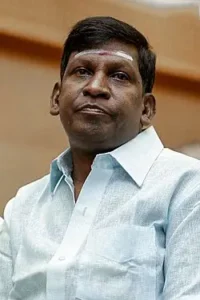
‘இந்த படத்தில் இருக்கும் நபர் பனியன் லுங்கி அணிந்து கொண்டு மெட்ரோ ரயில் முன் டீ காபி விற்பது போல் ஒரு புகைப்படம் வேண்டும்.’
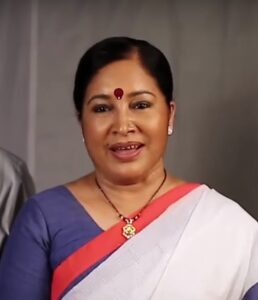
‘இந்த படத்தில் இருக்கும் நபர் கோட் சூட் அணிந்து கொண்டு ஒரு சொகுசான காரின் முன்பக்கம் ஸ்டைலாக நிற்பது போல் ஒரு படம் வேண்டும்.’
 Okay friends, that’s all. You.”
promet
Use this saved face for all future image generations. If at any point my face is unclear or missing in new images, recreate it using the saved reference image. The face must stay the same and should not be changed or replaced. Only pose, clothing, angle, lighting, or background may vary. Every result should look like the same person in different photos.