Introduction
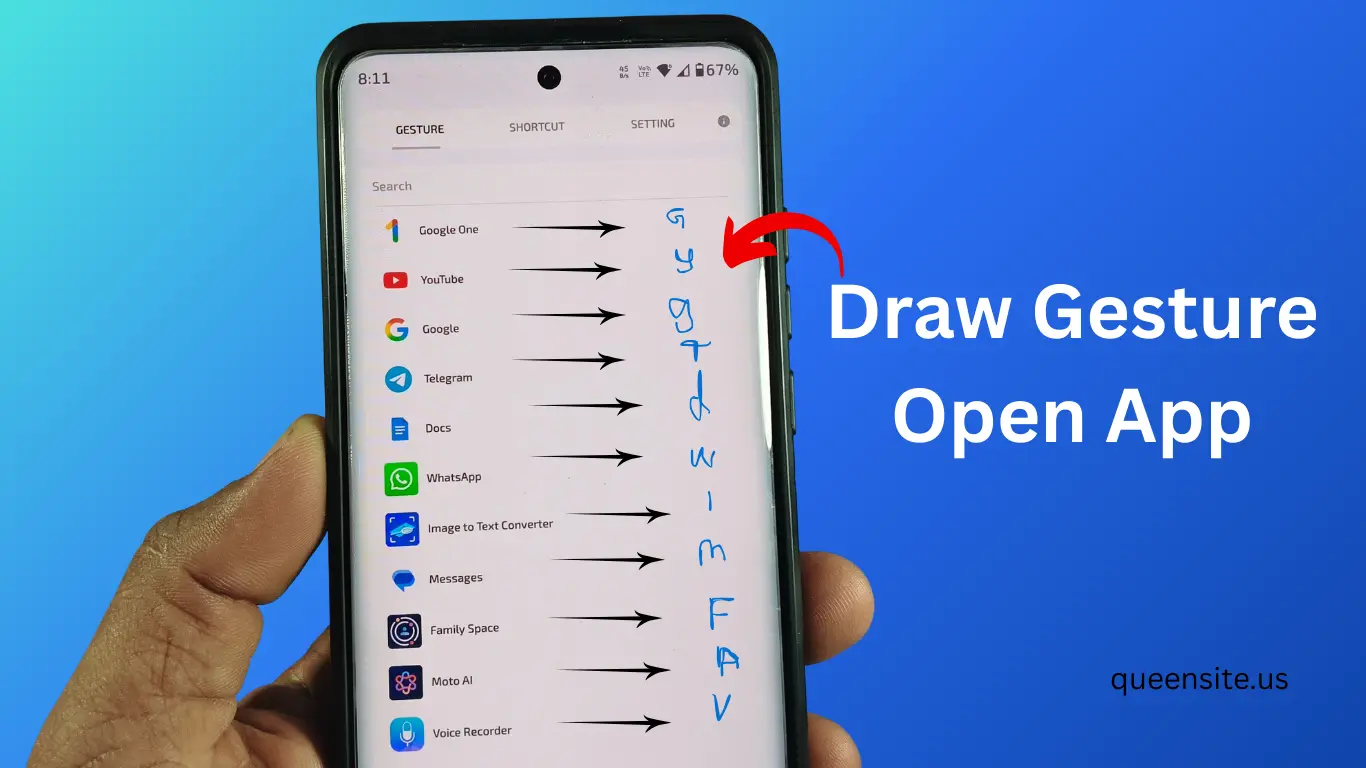
To open apps on our mobile, we usually have to go to the home screen or app drawer. But by using a simple trick and drawing a letter on the screen, the app we need will open.
The application required for this trick is the Android app Gesture App. Through this, we can create apps shortcuts by drawing a letter (gesture) on the screen. That is, using this app, we can save any letter to an app. When we draw that letter on our screen, the app created by it will open.
Gesture App Overview
Gesture is an app that helps us create gesture shortcuts for Android phones.
With this app:
- You can open apps by drawing letters on the screen
- You can create quick shortcuts for favorite apps
- You can increase mobile usage speed
Gesture App Features
Key features of Gesture App:
- Open apps by drawing gestures
- You can create custom shortcuts
- Floating shortcut button
- Easy setup
- Multiple apps support
How to Download Gesture APP
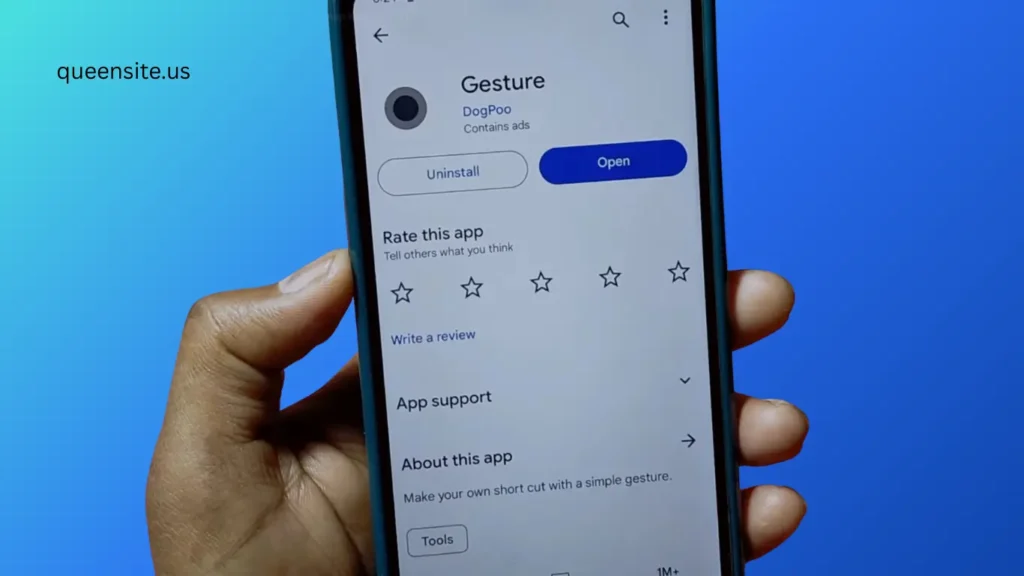
How to download the app:
- Open Google Play Store
- Type Gesture in the search bar
- Select the app
- Click the Install button
- The app will be installed
How to Use Gesture App
How to create a Gesture shortcut:
- Open the app
- Allow the required permissions
- Enable Display over other apps permission
- Allow Notification permission
- Press the “Get Started” button
Also read :
- Best Signature Lock Screen App for Android (2026 Guide)
- Pika Super Wallpapers App – Super Live Wallpapers For Android
- How to Shoot Professional Video on Mobile Using Cinema FV-5 App? (Full Guide)
Create Gesture Shortcut
- Double tap the floating dot on the screen
- Open the three dots menu
- Click the Plus (+) icon
- Select which app you want to open
- Give that app a letter Draw
For example:
- Y → YouTube open
- F → Facebook open
- I → Instagram open
- S → Phone Settings open
Pros & Cons
Pros
- Apps quick access
- Saves time
- Easy setup
- Can create multiple shortcuts
Cons
- Requires background permission
- May increase battery usage on some phone models
FAQ
Is Gesture App safe?
Yes. It is generally safe since it is an app available on the Play Store.
How does Gesture shortcut work?
The app assigned a shortcut to the letter you draw on the screen will open.
Is Gesture App free?
Yes, basic features are available in the free version.
Conclusion
Using Gesture app, it is very easy to draw letters on the screen and open apps. This will make using mobile faster.