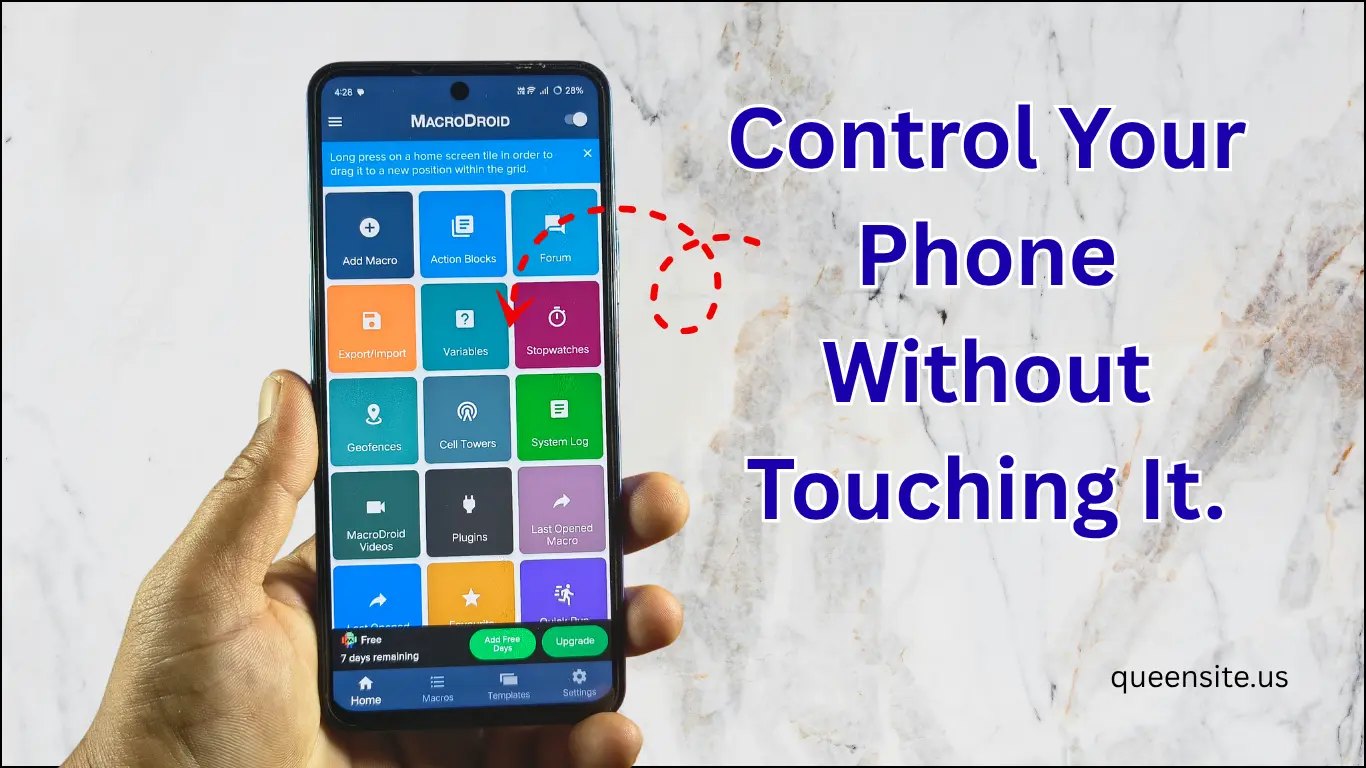
MacroDroid App Introduction
Hello friends, now everyone uses smartphones. But, do you believe that you can control your mobile without touching it?
Today we are going to see a super Android mobile future. You can call it a secret, you can call it magic, or you can even call it tips and tricks.
Benefits of this trick
If you use this trick, then you can use all the options automatically without touching your mobile.
Use a simple trick,
- Bluetooth ON/OFF
- Apps control
- Settings automation
The application we are going to use for this is called ‘MacroDroid’. Let’s see in detail how to automate your mobile using this.
What is MacroDroid App ?
MacroDroid is an Android automation app.
With this app, you can:
- Automate mobile actions
- Control without touch
- Create custom shortcuts
Simple:
Set up your mobile to do what you say automatically
How to Install MacroDroid App
- Open the Play Store on your mobile.
- Type ‘MacroDroid’ in the search bar.
- Install the first app called ‘MacroDroid – Device Automation’.
How MacroDroid App Works
Once you open the app, you will see some introductory pages, keep clicking ‘Next’. There are three important things in this:
- Triggers: What action should be taken to start the work? (Example: shaking the phone).
- Actions: What action should be taken? (Example: turning on Bluetooth).
- Constraints: Under what circumstances should this happen?
Important note: Make sure that ‘MacroDroid’ is enabled on the app’s home page.
How to Create a Macro? (Step-by-Step Guide)
Bluetooth Automation (Bluetooth Toggle)
Now let’s set the Bluetooth to turn on/off when the mobile is shaken.
- Step 1: Click ‘Add Macro’ and give it a name (e.g. Bluetooth 1).
- Step 2 (Trigger): Select Sensors -> Shake Device.
- Step 3 (Action): Connectivity -> Bluetooth Configure -> Enable Bluetooth and click OK.
- Step 4: Click the three dots above and click ‘Save Changes’.
Similarly, you can create a macro to turn off Bluetooth when it is shaken (Disable Bluetooth) and set it to ‘Bluetooth Enabled’ in ‘Constraints’.
- 🔸 Mico Widget & Live Wallpaper – Full Guide to Use Widgets, Themes & Icons
- 🔸 Auto Redial App Tutorial – Easy Step‑by‑Step Guide
- 🔸 Battery Sound Notification App: Smart Mobile Charging Alerts
Advanced Automation
Not only Bluetooth, you can customize all the options like opening the music player when connecting a headset or running specific apps automatically. MacroDroid is a great application for a complete ‘Device Automation’ experience.
More Things You Can Do
With MacroDroid:
- Auto WiFi ON/OFF
- Silent mode automatic
- App open automation
- Battery saver tricks
- Gesture shortcuts
Pros & Cons
Pros
- Easy to use interface
- No coding required
- Powerful automation features
- Time saving
- Customizable triggers & actions
- Offline features available
Cons
- Some features require more permissions
- Need to run in the background
- Battery usage may increase a bit
Conclusion
This trick is not an ordinary feature This is a smart automation system
By using MacroDroid App, you can:
- Control your mobile smartly
- Save time
- Feel like an advanced user
This feature is very useful for making your mobile smart without touching it. You too should install this application and try it out.
Download MacroDroid App
FAQ
1.What is MacroDroid?
MacroDroid is an Android automation app. It helps you control mobile settings and actions automatically.
2. Is this app safe?
Yes, it is a trusted app available on the Play Store.
But you need to be careful while granting permissions.
3. Do you need to know coding?
No No coding knowledge is required to use MacroDroid. You can automate with simple options.
4. Does it drain the battery a lot?
Sometimes it uses a little battery when it runs in the background.
But if you have the right settings, there is no problem.
5. Does it require internet?
No
Many automation features work offline.
6. Does it work on all Android mobiles?
It works on most Android devices
But some features may vary by device.