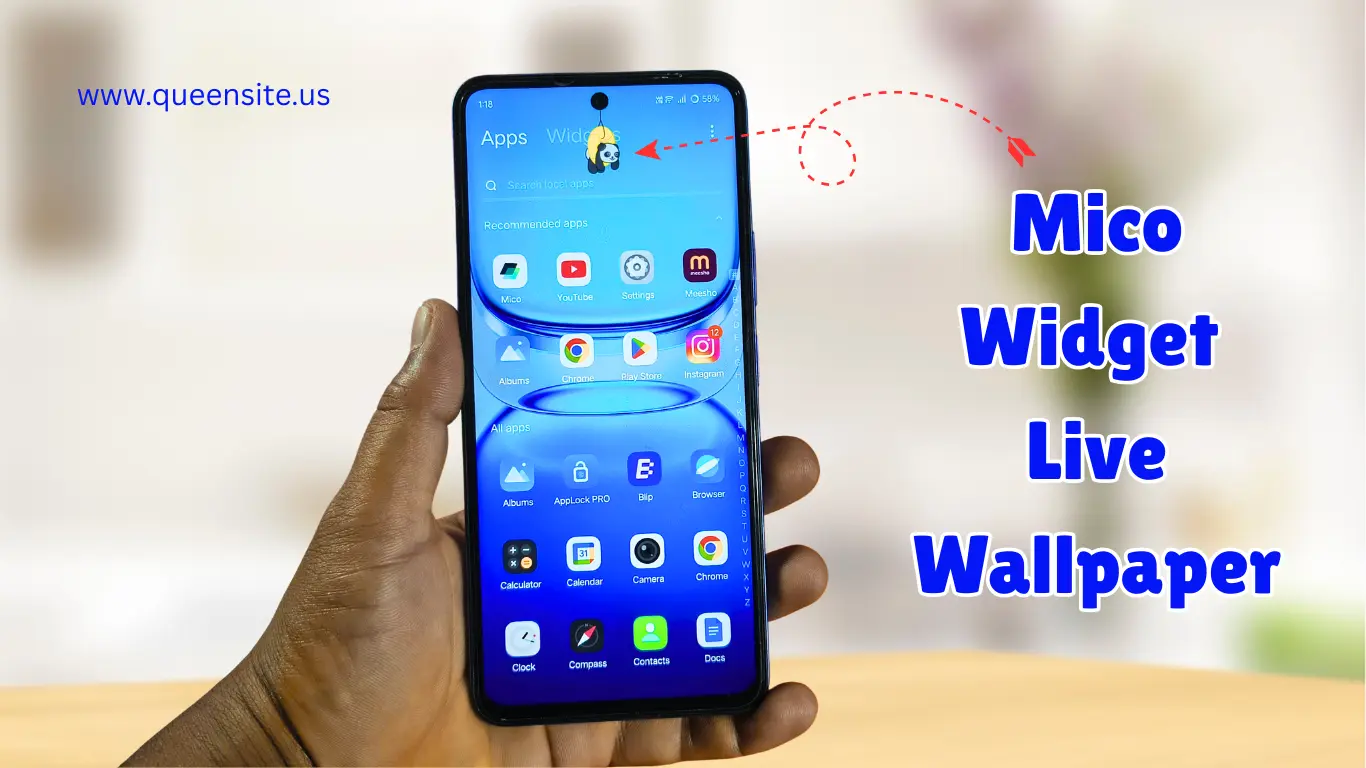
Introduction
Do you want to customize your Android mobile beautifully?
This app will help you with that. Mico Widget & Live Wallpaper is a great app.
With this app:
- Widgets
- Live wallpapers
- Icons
- Stickers
You can change everything according to your wishes.
App Overview
Mico Widget & Live Wallpaper is currently
- 1 crore+ downloads
- 4.5 rating
- 1 lakh+ reviews
It is the top trending app in Android customization apps.
Key Features of Mico App
Widgets Customization
- Clock widget
- Battery widget
- Photo widget
Live Wallpapers
- Animated wallpapers
- Cute themes
- Festival themes
Icon Packs
- App icons can be changed.
- Stylish themes can be applied.
Stickers & Editing
- Custom stickers can be added.
- You can add your photo using “Import Image.”
How to Download Mico App
- Open Play Store.
- Search for Mico Widget & Live Wallpaper.
- Install the app.
- Open and allow permissions.
How to Use Mico App
Step 1: Widget Select
- Open the app.
- Select Widget or Theme.
Step 2: Customize
- Change the photo using the “Replace” option.
- Change fonts.
- Add stickers.
Step 3: Save Widget
- Click “Save Widget”.
- Preview.
Step 4: Apply Theme
- Click “Apply Theme.”
- Widget + Icons will be applied.
Step 5: Permissions
- Allow required permissions.
- The theme will be applied successfully.
Extra Features
My Widget Section
- Your saved widgets will be here.
Icon Customization
- Change the Play Store, camera, and Chrome icons.
Preview Option
- See preview before applying.
👉 Pika Super Wallpapers App – Super Live Wallpapers For Android
👉 Silly Smile live wallpaper 4K | live wallpaper in one click
Mico Best Features
- Status Bar Decoration
- Chat App Background
- Innovative Call Notification Reminders
- Color music Player
Free vs Paid Features
Free Version
- Basic widgets
- Stickers
- Themes (with ads)
Paid / Unlock Features
- Advanced widgets
- Premium themes
- No ads experience
Pros & Cons
Pros
- Easy customization
- Stylish widgets & themes
- Free features available
- User-friendly interface
Cons
- There are a lot of ads.
- Some features are only available in the paid version.
- Permissions are required.
- Internet is definitely required
FAQ – Mico Widget App
What is the Mico app?
Mico Widget & Live Wallpaper is an Android customization app.
Is the Mico app free?
Yes. There is a free version. But some features require ads or payment to unlock.
Can I use my own photos?
Yes. You can use your photos using the “Import Image” option.
Does it change app icons?
Yes. The icons change automatically when you apply a theme.
Is the Mico app safe?
Yes. It is safe to use as it is an official Play Store app.
Conclusion
Mico Widget & Live Wallpaper is a powerful app that helps you make your mobile
- Stylish
- Unique
- Personalized
If you are customization lovers, then definitely try this app.