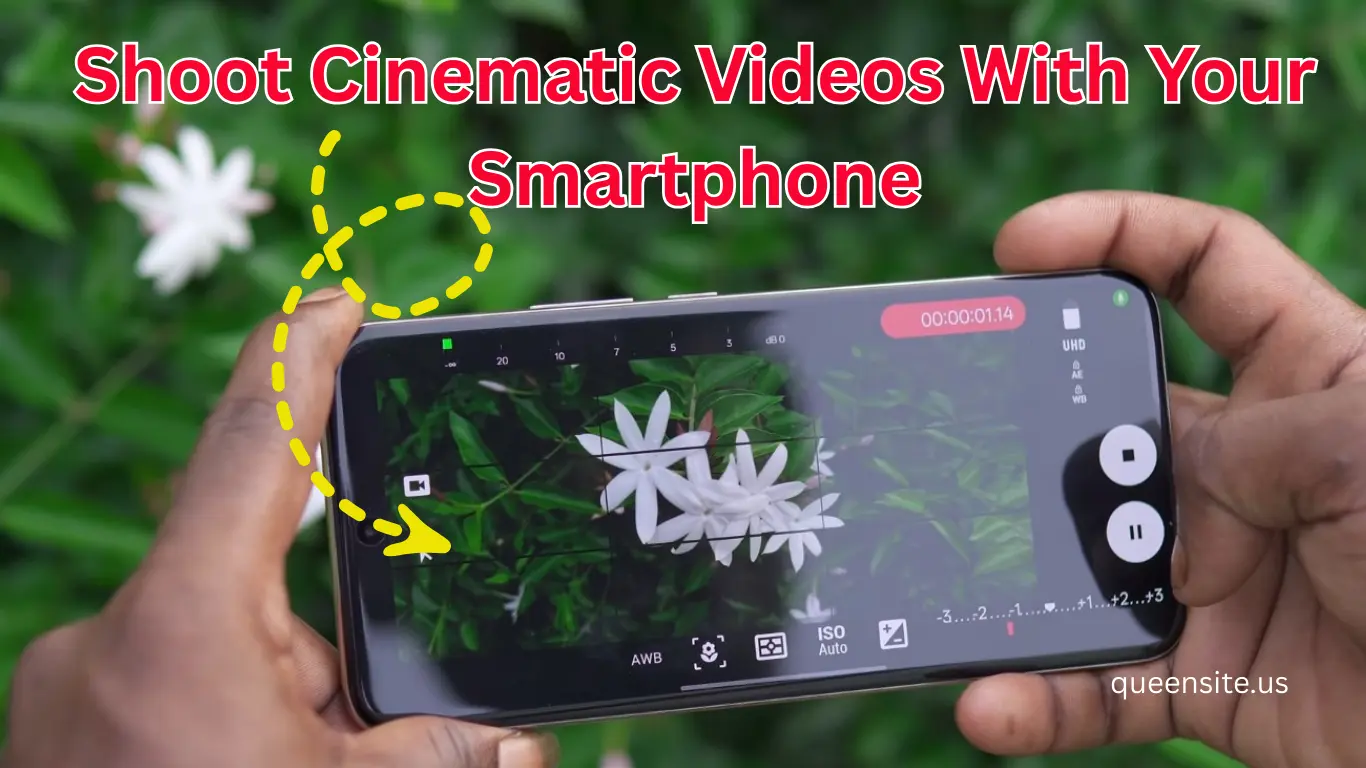
Introduction
Nowadays, the quality of mobile cameras has increased a lot. So many people have started shooting short films, YouTube videos and cinematic videos on their mobile phones.
Cinema FV-5 is a powerful camera application that helps with that.
This app provides manual control like a DSLR camera. So you can manually control exposure, focus, white balance, etc.
In this guide, we will see step-by-step how to shoot cinematic videos on mobile using the Cinema FV-5 app.
App Overview
Cinema FV-5 App a professional video camera application for Android mobile.
This app provides advanced features like:
- DSLR style camera controls
- Manual focus
- White balance control
- Video bitrate control
- Cinematic frame rate
Due to this, YouTube creators and mobile filmmakers use this app a lot.
Cinema FV-5 App Features
The main features of the Cinema FV-5 app are:
- Manual focus control
- White balance lock
- Exposure control
- Custom video resolution
- Cinematic frame rate (24fps)
- Audio meter monitoring
- Grid composition options
- External microphone support
With these features, you can shoot professional videos on your mobile.
How to Download Cinema FV-5 application
Steps to download the Cinema FV-5 application:
- Open Google Play Store on your mobile
- Search for Cinema FV-5 in the search bar
- Select the official app
- Click the Install button
After installation, open the app and allow camera permissions.
Important Settings (Video Setup)
To improve video quality in the Cinema FV-5 app, you need to change some settings.
Video Settings
Format: MP4
Resolution: Full HD (1920 × 1080)
Video Codec: H.264
Frame Rate: 24fps (cinematic look)
Color Channel: RGB
Higher bitrate will improve video quality.
Audio Settings
In the Audio tab:
- Channel: Stereo
- Bitrate: 192 kbps
- Microphone: Built-in mic or external mic
Using an external mic will greatly improve the audio quality.
Viewfinder Settings
You can use the grid option to improve composition.
Available grids:
- Rule of Thirds
- Golden Spiral
You can also change the aspect ratio for a cinematic style.
Also Read :
- How to Book Gas Cylinder Online with Indian Oil One App? (Easy Guide)
- mParivahan App: How to Check RC Book and Driving License Online
- Horizon Camera: The Definitive Guide to Winning the War on Vertical Videos 2026
Camera Controls
The Cinema FV-5 app offers manual controls like a DSLR camera.
White Balance
You can set the white balance manually.
After setting it, you need to enable White Balance Lock.
Focus
You can select the subject by touching focus.
If you enable focus lock, the focus will not change.
Exposure Control
You can use the exposure option to adjust the video brightness.
ISO & Shutter Speed
Some Android phones do not support these settings.
Options may vary depending on the phone hardware.
How to Earn
You cannot earn money directly using the Cinema FV-5 app. But you can create video content and earn income through this app.
Example:
- Start a YouTube channel
- Shoot short films
- Do freelance videography
- Instagram reels / content creation
You can earn income through advertising and brand collaboration through content creation.
Payment Proof
The Cinema FV-5 app is not a separate payment platform.
But you can use this app to create video content and monetize it on platforms like YouTube.
Pros & Cons
Pros
- Professional camera controls
- Cinematic video quality
- Manual focus options
- External microphone support
Cons
Some phones may not support all features
Settings may be initially confusing for beginner users
FAQ
Is Cinema FV-5 a free app?
This app has both a free and paid version.
Does Cinema FV-5 work on iPhone?
This app is mainly available for Android devices.
Do I need to use an external mic?
If you want professional audio quality, it is better to use an external mic.
Conclusion
Cinema FV-5 is a very powerful camera application for mobile filmmaking.
This app provides advanced options like:
- Manual camera control
- Cinematic frame rate
- Professional audio recording
If you want to shoot cinematic videos or short films on your mobile, this app is very useful.