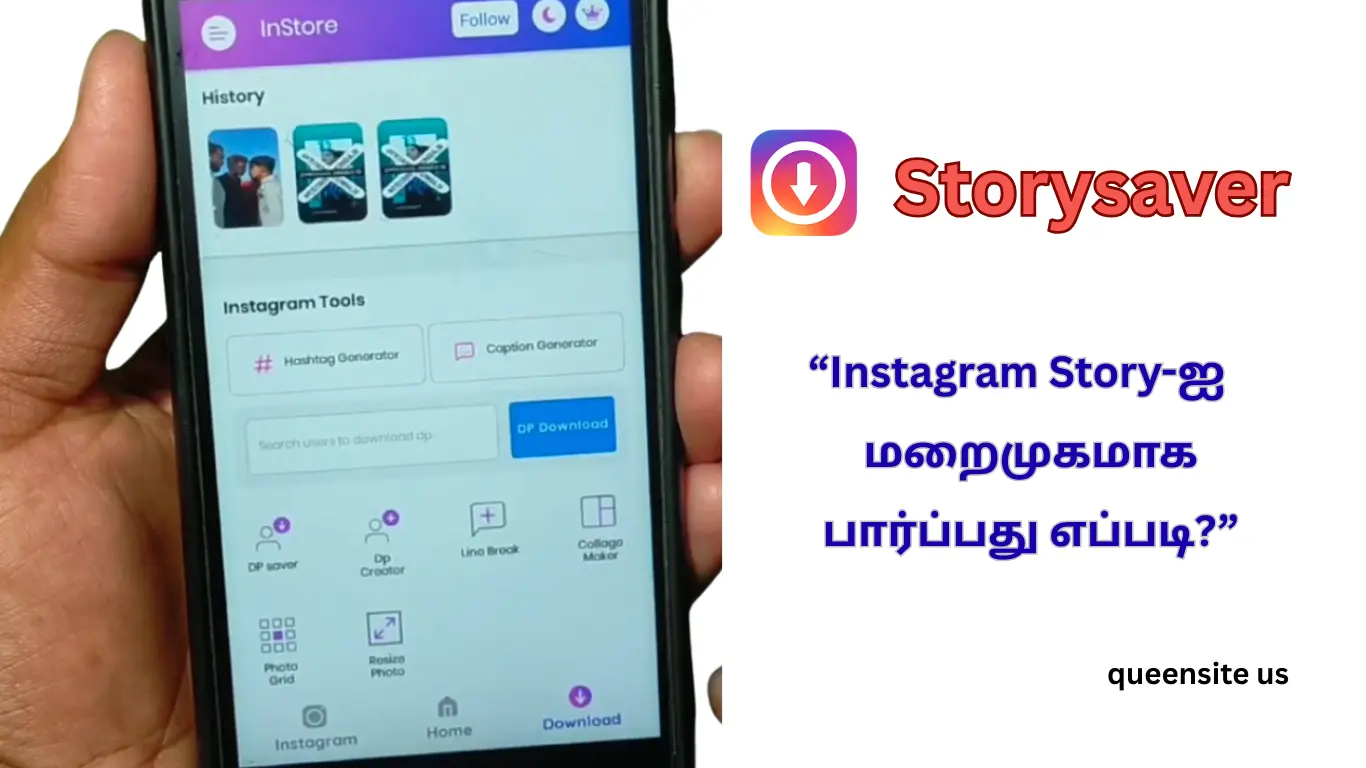
Friends, if you are downloading stories or some videos from Instagram, in this video we are going to talk about how to log in and use the ‘Storysaver’ application.
Storysaver app
Basically you can see the logo of this app; its name is ‘Storysaver.’ In this you can save videos and stories with audio to your gallery.
Let’s see how to log in to this. If you are having problems with your password while logging in, this video will give you a solution. First open the app. If you get an ad, close it.
Forgot password
Now the login page will come. Here you need to give your username. If you don’t know your password, there is a simple way. Type ‘Instagram login’ in your browser (Chrome). Press and hold the link that comes and give it ‘Open in new tab.’ There is a ‘Forgot password’ and enter your username and give ‘Send login link.’ Now a link will come to your email. In it, select ‘Reset your password’ and create a new one. Create and save the password.
Resetting Your Instagram Password
Now come back to the Storysaver app and log in with your username and new password. You have now successfully logged in. If you want to save something, just ‘copy link’ the link of that video on Instagram, ‘paste’ it in the ‘Post Saver’ in this app, and press the download icon, and it will be downloaded.
Also read: Mappls vs Google Maps
Similarly, if you click on the browser option in this app, your Instagram will be logged in. If someone has a story there, click on it and press the small button on the side; it will be downloaded to your gallery. If you like the video, like it; if you have any problems, comment or message on Instagram.